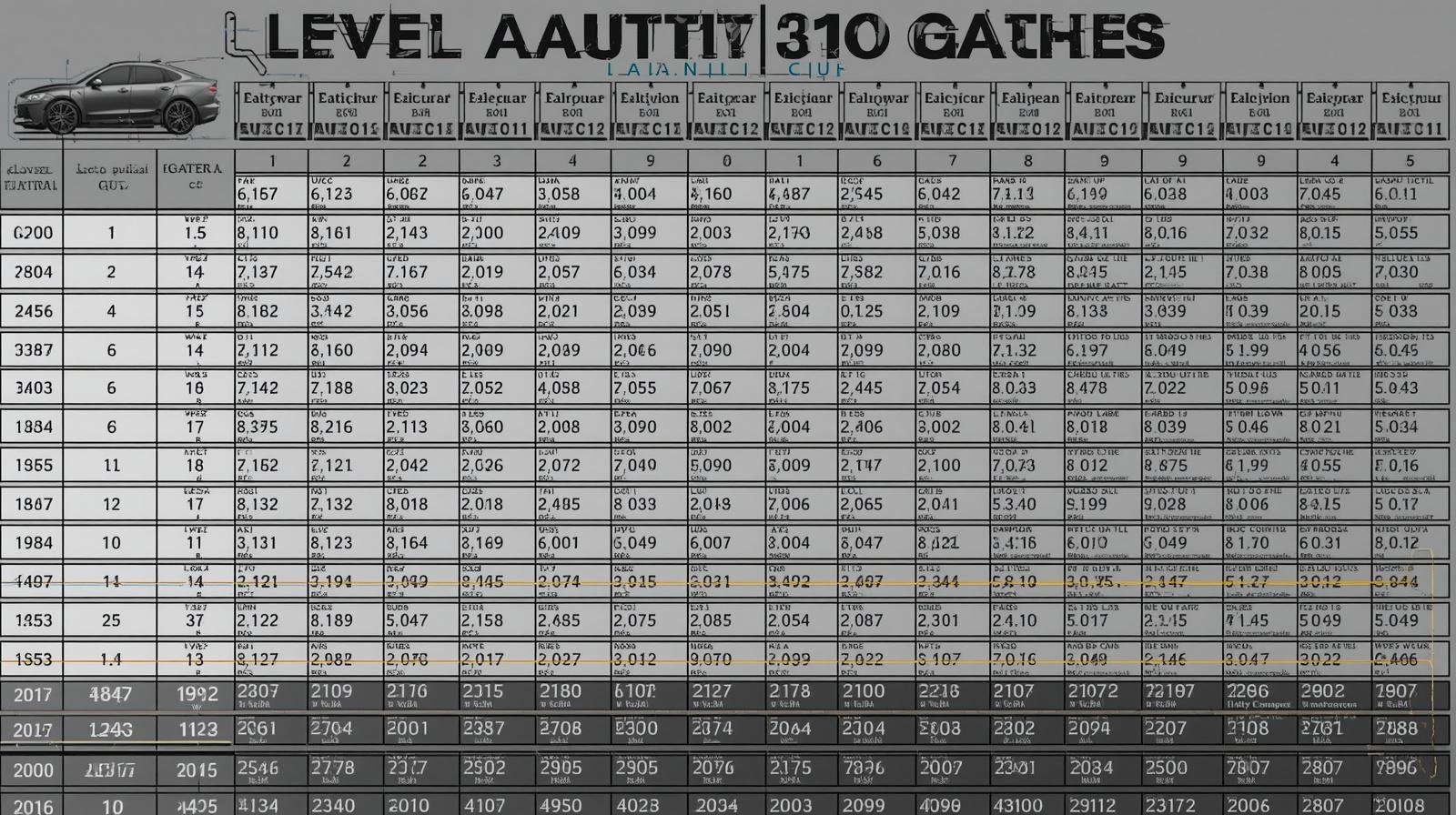
The Auto Level Calculation Table Template is a simple, reliable tool for surveyors and civil engineers. In this guide you’ll learn how to use an auto level calculation table in an excel template, set up a level book for HI and RL, and download a ready-made booking sheet. The focus here is practical steps, clarity, and a free example you can adapt in 2026.
Why use an Auto Level Calculation Table?
Leveling is a routine but critical survey task. A clear table helps you avoid errors and speeds up field and office work. Using an auto level calculation tableexcel template reduces manual arithmetic and keeps your level book tidy.
- Faster calculations and fewer mistakes
- Consistent record keeping in a level book
- Easy sharing and backups with Excel
Key concepts: HI, RL, BS, FS
Before using a template, know the basic terms.
- HI (Height of Instrument): the vertical height of the instrument above a reference point.
- RL (Reduced Level): the elevation of a point relative to a datum.
- BS (Back Sight): a reading taken on a known point to find HI.
- FS (Fore Sight): a reading taken on a new point to compute its RL.
How the Excel Template Works
The auto level calculation table Excel template – level book format HI RL booking sheet sample example free download 2026 is arranged to compute HI and RL automatically when you enter BS and FS readings. Columns are laid out to match standard field practice.
Typical column layout
| Column | Description |
| Station / Point | Point name or number |
| BS | Back sight reading |
| FS | Fore sight reading |
| HI | Height of instrument (calculated) |
| RL | Reduced level (calculated) |
| Remarks | Notes or conditions |
Sample Booking Sheet (Simple Example)
Here is a compact sample booking sheet you can recreate in Excel. This shows how values flow from BS/FS to HI and RL. Use this as a starting point for your level book.
| Station | BS | FS | HI | RL |
| BM1 | 1.500 | 105.500 | 104.000 | |
| TP1 | 0.980 | 104.520 | 103.540 | |
| TP2 | 1.200 | 104.740 | 103.540 |
How to Set Up the Excel Formulas
Formulas keep the table automatic and error-resistant. Keep each row short and consistent for mobile readability.
- HI = RL of previous known point + BS
- RL = HI – FS
- Use absolute references for a fixed benchmark RL if needed
Example formula notes you can copy into cells:
- Cell for HI: =IF(BS<>””, Previous_RL + BS, “”)
- Cell for RL: =IF(FS<>””, HI – FS, “”)
Tips for a Clean Level Book
- Keep short, clear station names.
- Enter benchmark RL once at the top.
- Use data validation to prevent blank BS/FS entries.
- Include a remarks column for weather or instrument notes.
- Save a copy after each field session.
Using the Template in the Field
Prepare the template on your laptop or tablet. In sticky or wet conditions, take notes on paper and transfer them later. For most jobs, the auto level calculation table template works the same: record BS and FS, and the sheet computes HI and RL.
Common workflow
- Set up instrument on tripod and level it.
- Take BS on a benchmark and enter the value.
- Compute HI automatically from the template.
- Take FS to new points and get RL instantly.
- Move instrument as needed and repeat.
Download and Sample Files
You can create this sheet yourself or use a ready-made one. Search for “level book”, “hi rl”, or the specific phrase auto level calculation tableexcel template to find sample downloads. Many templates are free and include a ready booking sheet example for quick use.
Common Mistakes and How to Avoid Them
- Mixing units: always confirm meters vs feet.
- Forgetting to carry benchmark RL to new sheets: add it to the header.
- Entering BS/FS into the wrong columns: use cell color cues.
- Not saving a backup: use cloud storage or versioning.
Frequently Asked Questions
What is an auto level calculation table used for?
It records survey readings and automatically calculates HI and RL. The table makes leveling faster and reduces arithmetic errors in the level book.
Can I use the template offline on a phone or tablet?
Yes. Save the Excel file locally or use a spreadsheet app that supports formulas. For rough conditions, record on paper and transfer data later to keep the template intact.
Is there a free sample I can download for 2026?
Yes. Look for “Auto level calculation table Excel template – level book format HI RL booking sheet sample example free download 2026” to find current free downloads. Choose a trusted source or create your own using the column layout shown here.
How do I handle multiple instrument setups in one sheet?
Start a new block for each setup. Repeat the benchmark RL or use a running header. Label setups clearly to avoid confusion when computing final RLs.
Conclusion
A well-structured Auto Level Calculation Table Template saves time and reduces errors. Use the simple excel template layout to keep a tidy level book and to manage HI and RL calculations with confidence. Explore sample booking sheet examples and adapt them to your workflow to work smarter on site. Learn more by testing a template and practicing with real readings to build muscle memory and accuracy.