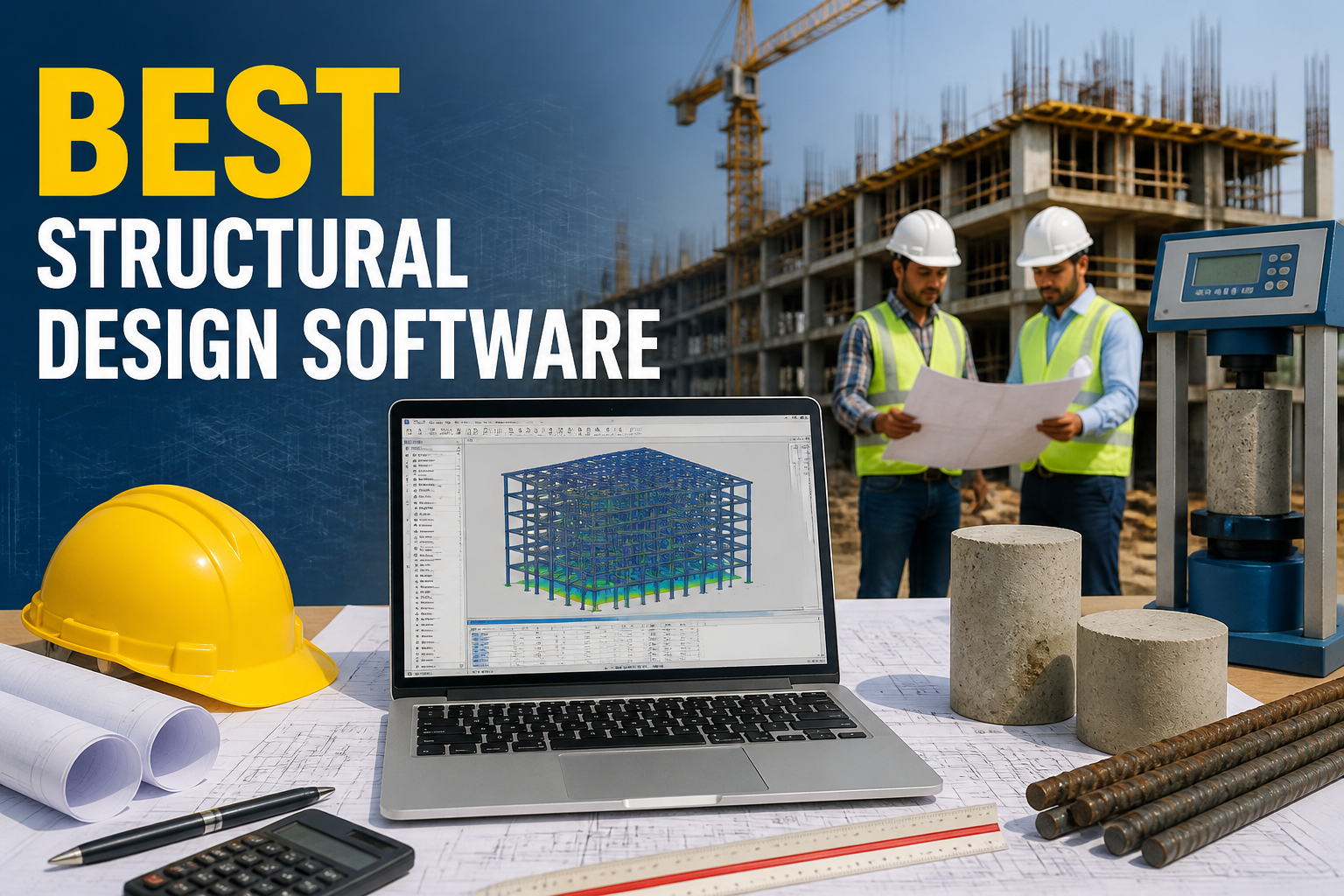
Choosing the best structural design software is a critical step for civil engineers and construction professionals who want to enhance project efficiency and accuracy. This software offers a range of functionalities tailored to assist in designing structures that meet safety, cost, and aesthetic requirements. Understanding what constitutes the best structural design software, its features, and how to select the right tool can drastically improve workflow and outcomes in engineering projects.
Effective structural design software incorporates various tools that streamline the design process, ensuring compliance with engineering standards and project specifications. This article will explore the key features that characterize the best structural design software, common applications, and selection criteria based on specific needs.
Key Features of the Best Structural Design Software
When evaluating the best structural design software, several critical features should be considered:
- 3D Modeling: Ability to create accurate three-dimensional models enhances visualization and facilitates design modifications.
- Analysis Tools: Integrated tools for static, dynamic, and seismic analysis help ensure the structural integrity of designs.
- Load Calculation: Accurate load calculation features are essential for evaluating factors such as dead loads, live loads, and wind loads.
- Code Compliance: The best software adheres to international and local building codes, ensuring regulatory compliance.
- User Interface: An intuitive user interface that prioritizes user experience can significantly reduce training time and increase productivity.
- Interoperability: Compatibility with other software tools allows for seamless integration into broader project management practices.
Common Uses of Structural Design Software
The best structural design software is utilized across various phases of civil engineering projects:
- Design Development: Engineers use the software to create preliminary designs and refine them through iterative processes.
- Performance Evaluation: Simulations can predict how structures will perform under different load conditions, allowing for proactive adjustments.
- Detailing: Producing detailed drawings and specifications for construction ensures that every aspect of the design is covered.
- Collaboration: Facilitating cooperation among architects, engineers, and contractors leads to more integrated project outcomes.
Best Structural Design Software Procedure
The procedure involved in seeking and integrating the best structural design software typically entails the following steps:
- Requirements Analysis: Identify the specific needs of your projects, including types of structures, regulatory requirements, and analysis needs.
- Software Evaluation: Research various software options available in the market, comparing features, pricing, and user reviews.
- Trial and Testing: Leverage free trials or demos to assess the usability and functionality of selected options.
- Training and Integration: Invest time in training users to ensure they are competent with the software, facilitating smooth integration into existing workflows.
- Continuous Evaluation: Regularly assess the software performance and its alignment with ongoing project requirements, making adjustments as necessary.
Limitations of Structural Design Software
It’s important to understand the limitations of structural design software to make informed decisions:
- Learning Curve: Some software may have a steep learning curve, which can inhibit productivity during initial use.
- Cost: High-quality software can be expensive, and ongoing costs for updates and support may be prohibitive for small firms.
- Dependence on User Competence: Errors in input data or poor understanding of software functionalities can lead to significant design flaws.
Best Structural Design Software Applications
Applications of the best structural design software vary across different sectors:
- Building Design: Commonly used in residential and commercial construction projects to design beams, columns, and foundations.
- Bridges and Infrastructure: Used to assess load and stress in bridge components and integrate safety measures in infrastructure projects.
- Manufacturing: Helps in designing industrial structures and machinery supports.
Quality Checks for Structural Design
Implementing quality checks in the design process ensures the reliability of the final outputs. Useful measures include:
- Peer Reviews: Engaging other engineers to review designs can uncover overlooked errors.
- Software Compliance Checks: Utilizing built-in code compliance checks to ensure all specifications are met.
- Simulations: Running multiple simulations to predict various load scenarios and conditions.
Common Mistakes to Avoid
Awareness of common mistakes can also enhance the effectiveness of structural design software:
- Neglecting to update software regularly, which can lead to using outdated features or non-compliance with new codes.
- Failing to back up projects, risking loss of data and information integrity.
- Overlooking the importance of interdisciplinary collaboration, which can lead to misalignment between different design aspects.
FAQs
1. What are the advantages of using structural design software?
The advantages include improved design accuracy, faster project completion, better compliance with regulations, and enhanced collaboration.
2. How do I determine which structural design software is best for my project?
Conduct a thorough analysis of project requirements, compare software features, and utilize trial versions before making a final decision.
3. Are there free structural design software options available?
Yes, several free or open-source options exist, but they may not have the advanced features found in paid versions.
4. Can structural design software integrate with other platforms?
Many leading software options offer interoperability, allowing integration with project management and architectural design tools.
5. What kinds of training are available for new software users?
Most software providers offer tutorials, webinars, and user manuals, as well as online courses for comprehensive training.
Conclusion
Identifying the best structural design software involves understanding its core features, uses, and limitations. This technology is vital for civil engineers and construction professionals, allowing them to enhance design accuracy, comply with safety standards, and ultimately create better structures. By carefully evaluating needs and conducting thorough comparisons of available software, professionals can significantly improve their project outcomes.