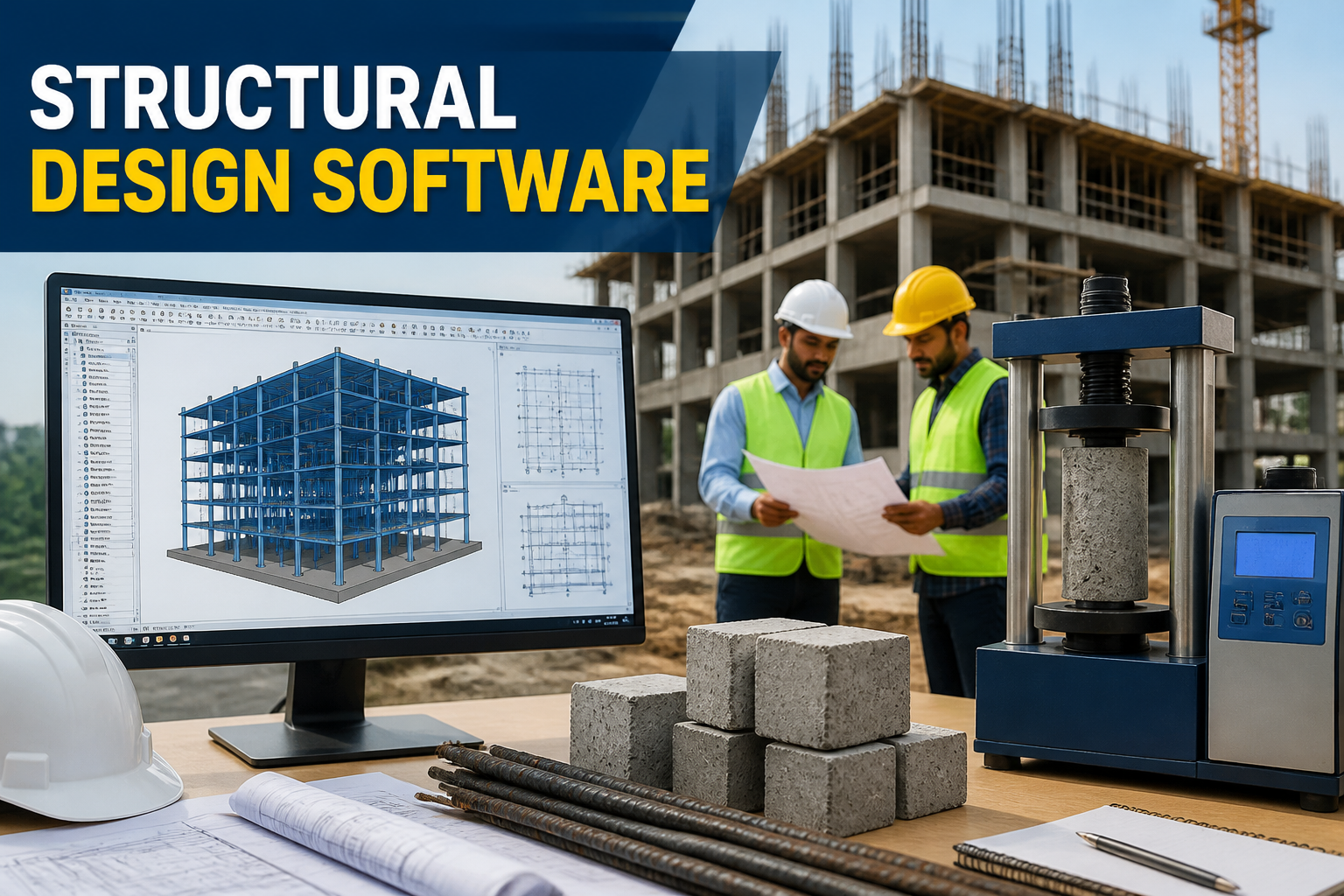
In today’s fast-paced construction industry, structural design software plays a pivotal role in enhancing the efficiency and precision of engineering projects. It facilitates the design, analysis, and detailing of structures by enabling engineers to visualize their projects in a 3D environment, conduct complex calculations, and simulate real-world conditions. With the right structural design software, professionals can achieve optimized outcomes that meet safety and regulatory standards while also streamlining workflows.
This article delves into the essential features, uses, and selection criteria of structural design software, offering insights into its importance in modern engineering practices.
Understanding Structural Design Software
The term “structural design software” refers to digital tools that assist engineers in creating, analyzing, and optimizing structural systems. These applications utilize various algorithms and computational techniques to facilitate tasks such as load analysis, materials selection, and sustainability assessments. Understanding the structural design software meaning can help practitioners choose appropriate tools that align with their project requirements.
Key Features of Structural Design Software
When selecting structural design software, it’s important to consider several key features that enhance usability and functionality. Here are some fundamental features:
- User-Friendly Interface: Intuitive navigation and graphical presentation ease the learning curve for new users.
- 3D Modeling Capabilities: Provides a realistic representation of structures, allowing designers to visualize components and spatial relationships.
- Load Analysis: Enables the assessment of various load types, including dead, live, wind, and seismic loads.
- Integrated Database: Stores material properties, standard codes, and design formulas, simplifying the input process.
- Collaboration Tools: Supports multi-user access, allowing teams to work on projects concurrently in a cloud environment.
- Code Compliance: Ensures designs meet applicable building codes and standards automatically.
- Reporting and Documentation: Generates detailed reports and drawings for regulatory approval and construction purposes.
Common Uses of Structural Design Software
Structural design software is versatile and finds applications across several aspects of civil engineering. Below are some common uses:
- Design Modeling: Engineers can create accurate 3D models of structural elements, allowing for iterative design adjustments.
- Structural Analysis: Conducts simulations to analyze the behavior of structures under various loading conditions.
- Optimization: Helps in finding the most efficient structural solutions to minimize material usage while maintaining safety.
- Coordination: Aids in coordinating with other disciplines such as MEP (Mechanical, Electrical, and Plumbing) to avoid clashes.
- Project Management: Integrates with other management tools to assist in planning and execution phases of construction projects.
Procedure for Using Structural Design Software
The procedure for using structural design software may vary by application, but a typical workflow includes the following steps:
- Define Project Parameters: Set the project’s scope, including dimensions, materials, and design codes.
- Create a Model: Develop a 3D digital model of the structure using design software tools.
- Input Loads and Conditions: Specify different loads acting on the structure based on its intended use.
- Run Analysis: Execute the analysis function to assess the model’s performance and compliance with standards.
- Review Results: Examine output data, including stress distribution and deflections, to ensure they meet criteria.
- Optimize Design: Adjust the model based on performance data for improved efficiency.
- Generate Documentation: Produce detailed drawings and reports for construction and compliance.
Selecting the Right Structural Design Software
Choosing the appropriate structural design software requires careful consideration of various factors. Below are essential selection criteria:
- Functionality: Identify if the software meets your specific engineering needs, such as advanced load analysis or workflow management.
- Cost: Consider the budget for software licensing, training, and maintenance costs.
- User Support: Look for reliable customer support and training resources from the software developers.
- Integration: Evaluate how well the software integrates with other tools and systems currently in use.
- User Reviews: Seek feedback from industry peers about their experiences with different software applications.
Common Mistakes When Using Structural Design Software
While structural design software can significantly improve design processes, there are common mistakes that users should avoid:
- Neglecting Updates: Failing to update software can lead to using outdated features and security vulnerabilities.
- Disregarding Training: Skipping necessary training can result in inefficient workflows and errors in design.
- Ignoring Input Data Quality: Inputting inaccurate information can yield unreliable analysis results.
- Overlooking Code Compliance: Not ensuring compliance with local regulations can lead to costly rework and legal issues.
FAQs
What is the meaning of structural design software?
Structural design software refers to programs that enable engineers to create, analyze, and optimize structural systems, ensuring they meet safety and regulatory standards.
What are the common applications of structural design software?
Common applications include design modeling, structural analysis, optimization, project management, and collaboration across disciplines in construction projects.
What is the typical procedure for using structural design software?
The typical procedure includes defining project parameters, creating a model, inputting loads, running analysis, reviewing results, optimizing designs, and generating documentation.
What features should I look for in structural design software?
Key features include a user-friendly interface, 3D modeling capabilities, load analysis tools, integrated databases, and reporting functionalities.
How can I ensure accurate results from structural design software?
To ensure accuracy, provide complete and accurate input data, keep the software updated, and verify outputs against relevant design codes and standards.
Conclusion
Structural design software is indispensable in modern civil engineering, providing essential tools for efficient design, analysis, and collaboration. Understanding its features, uses, selection criteria, and common pitfalls enhances the ability of civil engineers, contractors, and students to navigate the complexities of structural design effectively. By adopting the right software, professionals can improve project outcomes while adhering to safety and regulatory standards.