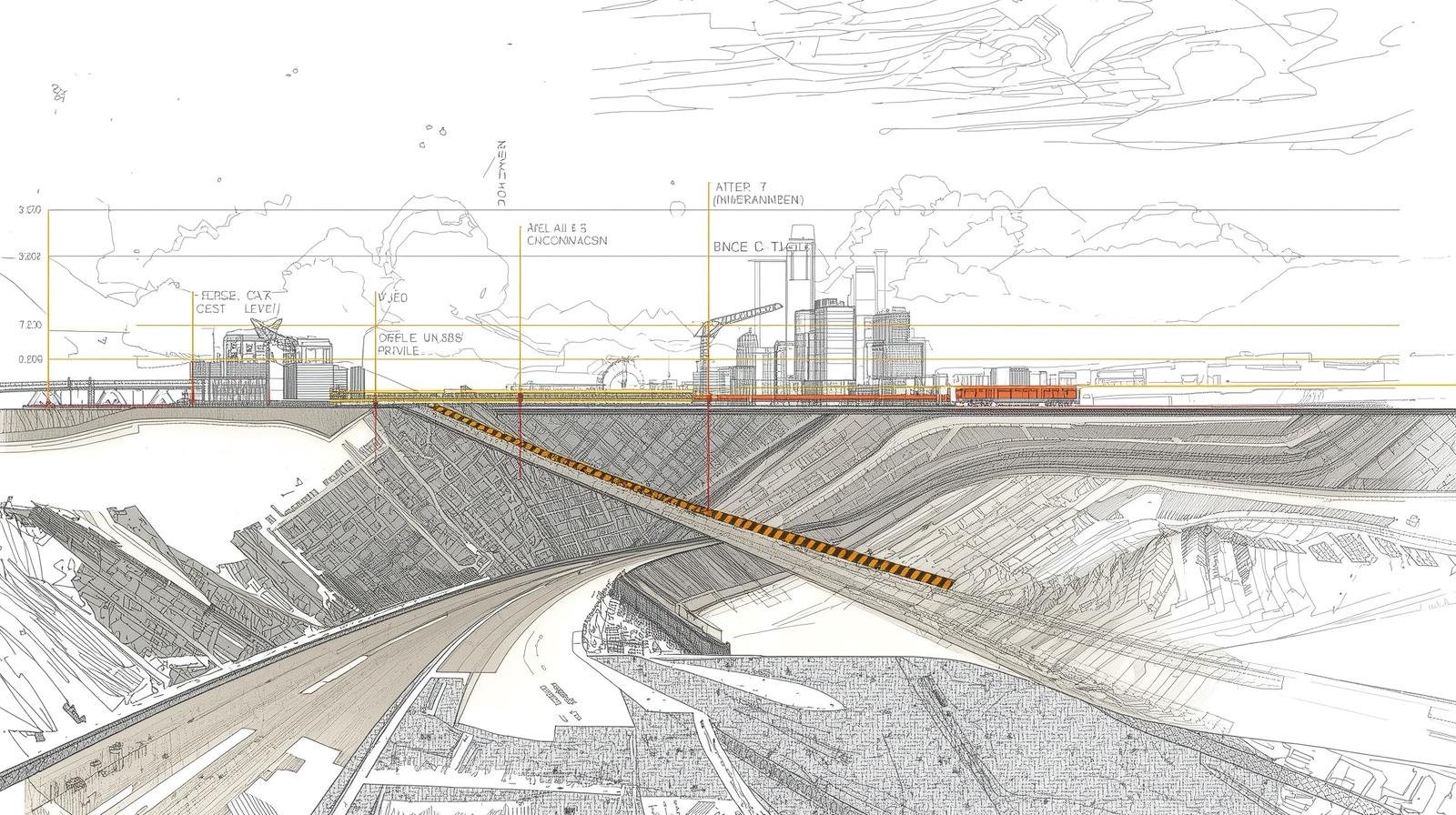
This guide explains the profile leveling highway project gradient drawing in simple steps. The focus keyword, Profile leveling highway project, appears here to help you find the right process. You will learn how to create a longitudinal section, do gradient drawing, and complete the highway project profile leveling. The article is practical and easy to follow.
Overview of Profile Leveling for Highway Projects
Profile leveling highway work shows the ground line and design line in a longitudinal section. This section gives a quick view of slopes, cut and fill, and gradients for the highway project.
What is profile leveling?
Profile leveling records ground heights along the road centerline. It helps produce a longitudinal section and a gradient drawing for design.
Why it matters in highway projects
Good profile leveling makes sure the highway has safe grades. It also guides earthwork, drainage, and final pavement design.
Data and Tools You Need
Before you start the longitudinal section drawing, gather the right tools and data. This short list helps you prepare.
Essential instruments
- Automatic level or total station
- Tripod and staff
- Field notebook or data collector
- Scale, graph paper or CAD software
Required data
Collect baseline coordinates, ground levels at regular intervals, and any design elevations. For a profile leveling highway project you must also note existing features like drains and bridges.
Preparing the Longitudinal Section
Start by plotting ground levels along the route. The longitudinal section shows both existing and proposed lines. This part explains the drawing basics.
Set up stationing
Mark stations along the centerline, usually every 20m, 50m, or 100m. Use consistent spacing for easy interpolation.
Plot ground elevations
Transfer measured heights to a graph or CAD. Connect points to form the existing ground line on the longitudinal section.
Add design profile
Overlay the design centerline. This line is usually based on vertical alignment criteria and planned elevations at key stations.
Gradient Drawing and Calculation
Gradient drawing shows slope between stations. Accurate gradient calculation avoids steep slopes and keeps the highway safe.
How to calculate gradient
Gradient equals rise over run. Use this formula:
- Gradient (%) = (Elevation difference / Horizontal distance) × 100
Example: If elevation drops 2.5 m over 100 m, gradient = (2.5 / 100) × 100 = 2.5%.
Steps for gradient drawing
- Find elevation difference between two stations.
- Compute gradient using rise/run.
- Label gradient on the longitudinal section between stations.
- Mark limits where gradient exceeds design standards.
Complete Process: From Field to Final Drawing
This section walks you through the full process for a profile leveling highway project detailed guide – longitudinal section drawing gradient calculation complete process.
Step 1: Field survey
Run profile leveling along the centerline. Record heights at each station. Note bench marks and reference points.
Step 2: Transfer data
Enter field heights into your drawing software or plot on paper. Check for outliers and re-check suspicious readings.
Step 3: Draw existing and design profiles
Plot existing ground. Then draw the design profile using grade lines or control elevations at key stations.
Step 4: Compute gradients and label
Calculate gradients between stations. Add percentage labels to the longitudinal section for clear gradient drawing.
Step 5: Check vertical curves
Design vertical curves where grades change. Ensure comfort and safety by following design standards for curve length and rate of change.
Sample Gradient Table
This simple table shows a small example of stationing, elevations, and gradient. It helps you visualize the gradient drawing process.
| Station (m) | Existing Elev (m) | Design Elev (m) | Gradient (%) |
| 0 | 120.00 | 120.00 | — |
| 100 | 117.50 | 118.00 | (118.00-120.00)/100 = -2.00% |
| 200 | 115.20 | 116.00 | (116.00-118.00)/100 = -2.00% |
Common Errors and Best Practices
Avoid common mistakes in gradient drawing and profile leveling. Follow these best practices for accurate results.
Common mistakes
- Poor station spacing that misses grade changes
- Using wrong bench mark or elevation datum
- Rushing vertical curve design
- Not checking plotted points for transcription errors
Best practices
- Use consistent station intervals
- Verify bench marks before starting
- Double-check calculations for gradient drawing
- Use CAD tools for clearer longitudinal section drawings
Tips for Clear and Useful Drawings
Make your longitudinal section easy to read. Clear drawings help contractors and engineers on site.
Label everything
Show station numbers, elevations, gradients, and vertical curve data. Add a legend if needed.
Use color and line styles
Differentiate existing and design profiles with color or line weight. Keep the drawing uncluttered.
Frequently Asked Questions
What is the difference between a longitudinal section and a profile?
A longitudinal section is the same as a profile. It shows ground and design elevations along the road centerline. This view includes gradient drawing and stationing.
How often should I record survey points?
Common spacing is every 20m to 100m. Use closer spacing in hilly areas or where slope changes rapidly. Good spacing improves the profile leveling highway accuracy.
How do I check gradient calculations?
Recompute rise over run for each segment. Use a simple spreadsheet or calculator. Compare with the plotted slope on the longitudinal section.
Can I use a total station instead of an automatic level?
Yes. A total station can record coordinates and elevations quickly. Both tools work for profile leveling highway tasks. Choose the one that fits your workflow.
What are acceptable highway grade limits?
Grade limits vary by design standard and road class. Check local highway design manuals. Typical limits might be 5% to 7% for major roads, but always confirm with standards.
Conclusion
Profile leveling and gradient drawing are key steps in any highway project. This guide covers the full process from survey to final longitudinal section. Follow the steps and tips to make clear, accurate drawings for safe and efficient highway design.