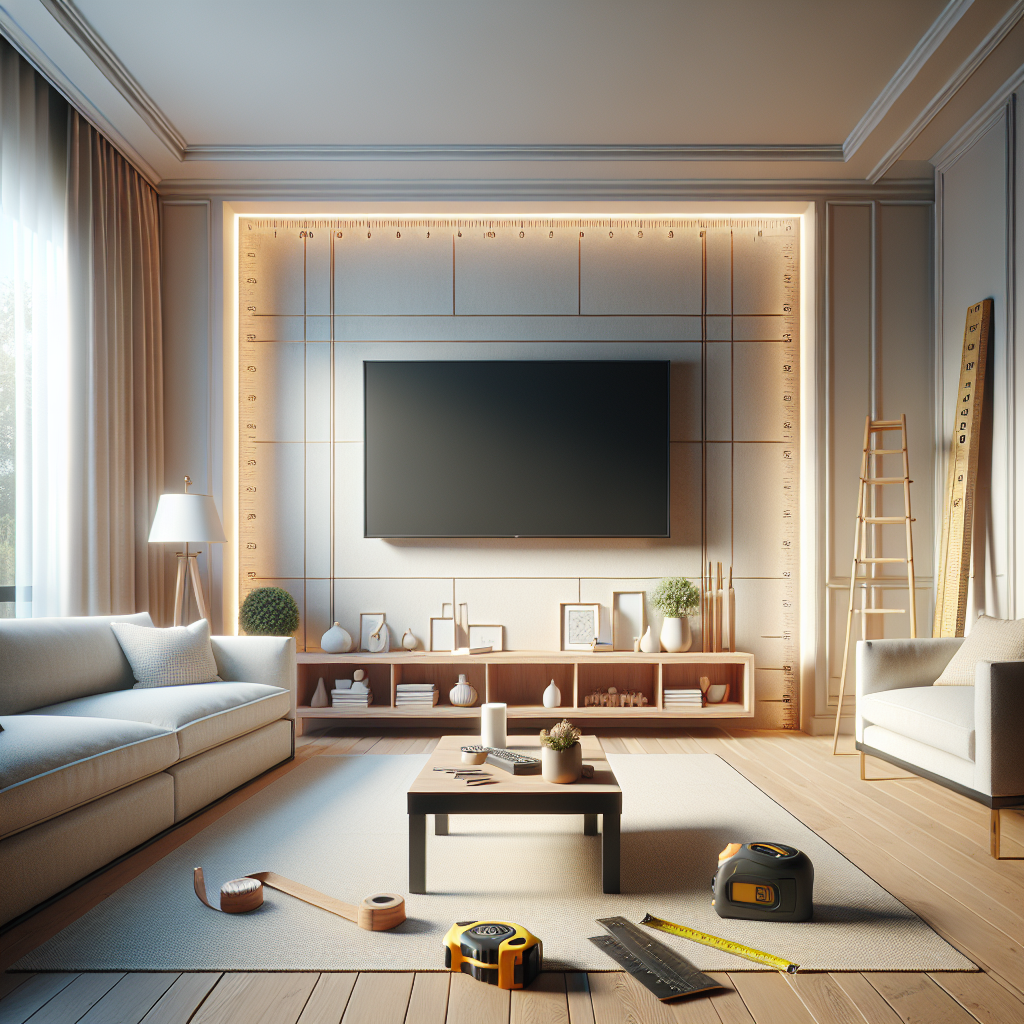
Choosing a new television means more than picking the prettiest picture. Knowing the real measurements behind screen sizes helps avoid surprises when the TV arrives and makes placement much smoother.
This article explains how manufacturers list sizes, how to measure a set accurately, and practical tips to match screen dimensions to your living space.
How manufacturers list screen size and what it means
Most brands market TVs by diagonal inches. That number is the length from one corner of the active screen to the opposite corner, not the entire case.
Understanding that difference is key: two TVs with the same diagonal can have different widths and heights if their aspect ratios or bezel sizes differ.
Diagonal vs. visible screen
Diagonal measurement refers to the visible area of the image. Bezels and trim add to the total width and height but not to the advertised number.
When planning a cabinet opening or wall space, measure the overall width and height of the TV, not only the diagonal.
Aspect ratio and its impact
The most common aspect ratio today is 16:9, which influences how wide the screen is relative to its height. Older sets used 4:3, and ultrawide screens can use 21:9.
Aspect ratio determines the actual width and height for a given diagonal. Two screens with the same diagonal but different ratios will occupy different wall areas.
Common screen sizes and their real measurements
Retailers sell TVs in standard diagonal sizes: 32, 43, 50, 55, 65, 75, and 85 inches are among the most common. Each size converts to a predictable width and height based on aspect ratio.
Below are approximate visible screen dimensions for common 16:9 TVs. These are active screen sizes and do not include bezels or stands.
- 32″ diagonal: about 27.9″ wide x 15.7″ high
- 43″ diagonal: about 37.5″ wide x 21.1″ high
- 50″ diagonal: about 43.6″ wide x 24.5″ high
- 55″ diagonal: about 47.9″ wide x 27.0″ high
- 65″ diagonal: about 56.7″ wide x 31.9″ high
- 75″ diagonal: about 65.4″ wide x 36.8″ high
- 85″ diagonal: about 74.1″ wide x 41.6″ high
Why bezel size still matters
Ultra-thin bezels are popular, but even a few millimeters around the edge add to the overall footprint. If the TV sits in a recessed shelf, those millimeters can make the difference between a good fit and a blocked vent.
Also consider the stand width: some stands extend past the screen and require shelf space wider than the TV itself.
Choosing the right size for your room
A comfortable viewing experience balances screen size with distance and room layout. Too small a screen can feel underwhelming; too large can overwhelm the space or reveal imperfections in the picture source.
There are practical ways to estimate whether a specific diagonal will feel right in a living room, bedroom, or kitchen.
Viewing distance basics
For many HDTVs, multiply the diagonal by 1.5 to 2.5 to get a comfortable viewing distance in feet. For example, a 55″ screen often works well around 6.5 to 11.5 feet away.
Higher-resolution panels like 4K allow closer seating because the pixels are smaller, which improves immersion without visible pixelation.
Room layout and sight lines
Measure eye height from seating to determine ideal mounting height. The middle of the screen should be close to eye level for prolonged viewing comfort.
Also map obstructions like windows, light sources, and furniture that could create glare or block the view.
Mounting, stands, and clearance considerations
Knowing physical dimensions helps plan mount types, bracket offsets, and ventilation space. Wall-mounted and stand-mounted setups have different clearance needs.
Account for wiring and any accessories such as soundbars, which add to the package height and may affect placement over fireplaces or cabinets.
VESA patterns and bracket depth
VESA mounting patterns are specified in millimeters and tell you where mounting holes sit on the back of the TV. Confirm the VESA spec to pick compatible brackets.
Also check how far the bracket holds the TV from the wall. Low-profile mounts keep the TV close, while articulating arms give tilt and swivel but increase depth.
Soundbars and lower clearance
Soundbars often sit below the screen and may obstruct the bottom of the display if placed too close. Measure the soundbar height and the TV bezel to ensure the image isn’t blocked.
When a TV is above a mantel, account for both the height and the viewing angle. A steep upward gaze can be uncomfortable, so consider tilting mounts.
Measuring your space and the TV accurately
Before buying, measure the wall width, cabinet depth, and shelf height. Use a tape measure and note dimensions to the nearest millimeter if possible.
Also check doorways and stairwells the TV will pass through during delivery and installation.
Step-by-step measuring checklist
- Measure wall or cabinet opening width and height.
- Measure shelf depth and the minimum clearance from the back wall to the front edge.
- Note distance from seating to screen center; calculate ideal diagonal using the 1.5–2.5 multiplier.
- Record VESA hole pattern and distance from top of TV to mounting holes if using a special bracket.
- Measure doorways and hall turns for safe transport.
When measurements don’t match
If a desired model is slightly too large, consider trim or recessed mounting. If too small, evaluate whether furniture rearrangement or a different model makes more sense.
Sometimes a minor cabinet modification or a different stand can accommodate a preferred screen without compromising the room’s look.
Conclusion
Understanding the numbers behind screen sizes removes guesswork and ensures the television fits the space both visually and physically.
Measure carefully, consider aspect ratio and bezel, and factor in mounts and accessories to choose a screen that matches your room and viewing habits.
Frequently Asked Questions
How does diagonal size translate to width and height?
Diagonal size paired with the aspect ratio determines the screen’s width and height. For 16:9 screens, use the diagonal with math or an online calculator to find exact visible dimensions.
Do bezel and stand sizes affect cabinet fit?
Yes. Bezels, stands, and input panels add to a TV’s overall footprint. Always compare overall width and height, not just the diagonal, when checking cabinet or shelf fit.
Can I mount a TV higher than eye level?
Mounting higher is possible, but prolonged viewing from steep angles can strain the neck. Use a tilt mount or ensure seating distance and angle remain comfortable.
Is a larger screen always better?
Bigger can be more immersive, but it must match viewing distance, room size, and content quality. A very large screen too close can reveal imperfections or cause eye strain.
How do I know if a 4K TV lets me sit closer?
Higher pixel density in 4K panels reduces visible pixel structure, allowing viewers to sit closer without seeing individual pixels. Use the recommended viewing distance ranges as a guide.