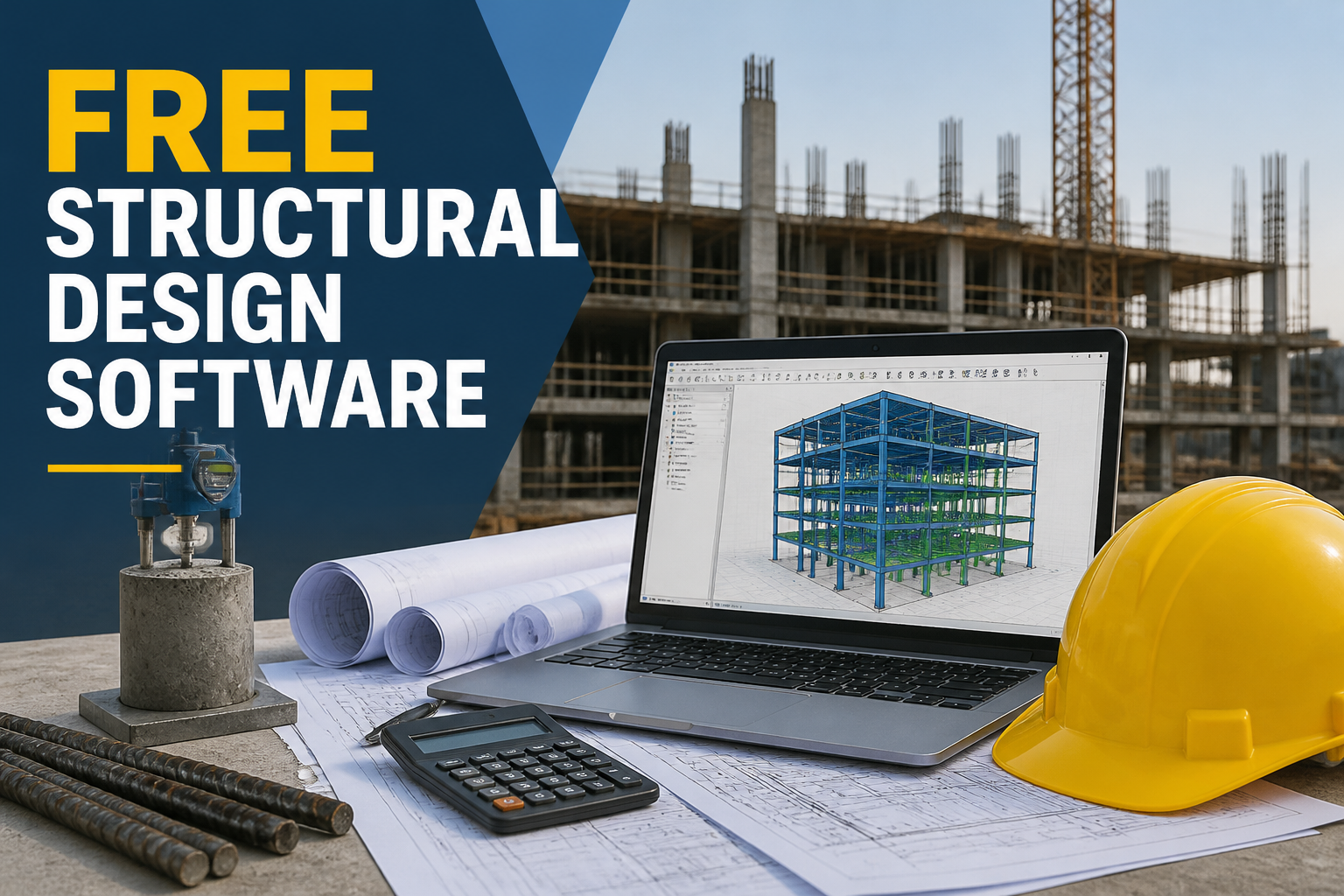
In the realm of civil engineering, the use of free structural design software has become increasingly popular due to its capacity to streamline design processes, enhance collaboration, and improve overall project efficiency. With a plethora of options available, choosing the right software can greatly benefit engineers, architects, and contractors during project execution. This article explores the features, applications, and selection criteria to consider when opting for free structural design software.
The term “free structural design software” refers to computer programs that assist users in designing structural elements and systems without incurring costs. These tools can support various stages of the design process, simplifying complex calculations and providing visual representations of structures. Their intuitive interfaces and advanced functionalities make them ideal for both novice and experienced professionals.
Features of Free Structural Design Software
Understanding the features of free structural design software is crucial for effective implementation. Key functionalities often include:
- User-friendly Interface: Many tools provide drag-and-drop functionality for ease of use, helping users visualize and create designs quickly.
- Design Automation: Automates repetitive tasks such as calculations and load combinations, reducing human error and saving time.
- Compatibility: Most software programs are compatible with various file formats, including CAD drawings and BIM models, allowing seamless integration with existing workflows.
- Customizable Templates: Users can access pre-loaded templates for common structural systems, aiding in standardizing design processes.
- Advanced Analytical Tools: Many applications incorporate analysis modules capable of assessing load effects, deflections, and stability.
Applications of Free Structural Design Software
Free structural design software proves valuable across multiple applications:
1. Residential Projects
For small to medium residential projects, these tools help in designing beams, columns, and foundations by providing essential calculations and drawings. For instance, a free tool may simplify the procedure of assessing the load-bearing capacity of a beam in a two-story house.
2. Educational Purposes
Students of civil engineering find free software instrumental in understanding structural concepts and performing practical calculations. This exposure familiarizes students with industry practices and enhances their learning experience.
3. Preliminary Design
During the conceptual phase of a project, designers can use free tools to perform preliminary assessments, aiding in cost estimation and feasibility studies. For example, a structural engineer may use free software to create preliminary load combinations to evaluate design ideas effectively.
4. Small Business Applications
Small engineering firms or startups benefit from the use of free structural design software as it minimizes overhead costs while providing essential capabilities to handle client projects.
Selection Criteria for Free Structural Design Software
When choosing the best free structural design software, consider the following criteria:
- Functionality: Assess whether the software can perform the necessary calculations for your specific application, such as tension and compression members or load analysis.
- Ease of Learning: The tool should have adequate tutorials, forums, or documentation available to help users overcome initial learning curves.
- Updates and Support: Check if the software is regularly updated and whether user support is accessible for troubleshooting.
- User Community: A strong user community can provide additional resources, including plugins or shared templates that enhance software capability.
Common Mistakes and Quality Checks
Even with advanced free structural design software, common mistakes can occur during use:
- Ignoring Load Combinations: Always ensure that various load conditions are applied according to relevant codes to maintain safety standards.
- Insufficient Reinforcement: Verify that reinforcement calculations meet the requirements specified in applicable codes and standards.
- Disregarding Software Updates: Stay informed about new software versions and patches to ensure best practices in structural design.
FAQs
What is the meaning of free structural design software?
Free structural design software refers to programs that aid in the design and analysis of structural components without a monetary cost, essential for engineers and architects.
What is the general procedure for using structural design software?
The general procedure includes selecting the structural type, inputting material properties and loads, running analyses, and producing design outputs and drawings.
What equipment is required to run free structural design software?
A standard computer with sufficient processing power and RAM, along with internet access for download and updates, is typically required.
Can I integrate free structural design software with other engineering tools?
Most free software allows for integration with other engineering tools like CAD programs and BIM software, enabling a seamless workflow.
What are common applications of free structural design software?
Common applications include residential design, educational projects, preliminary analysis for feasibility, and supporting small engineering firms.
Conclusion
Free structural design software serves as a valuable asset for civil engineers by simplifying the design process, enabling effective analysis, and ultimately leading to successful project outcomes. Selecting the right software based on functionality, ease of use, and support can significantly enhance project workflows. With a thorough understanding of its applications and common pitfalls, engineers can maximize the benefits of these tools in various projects.