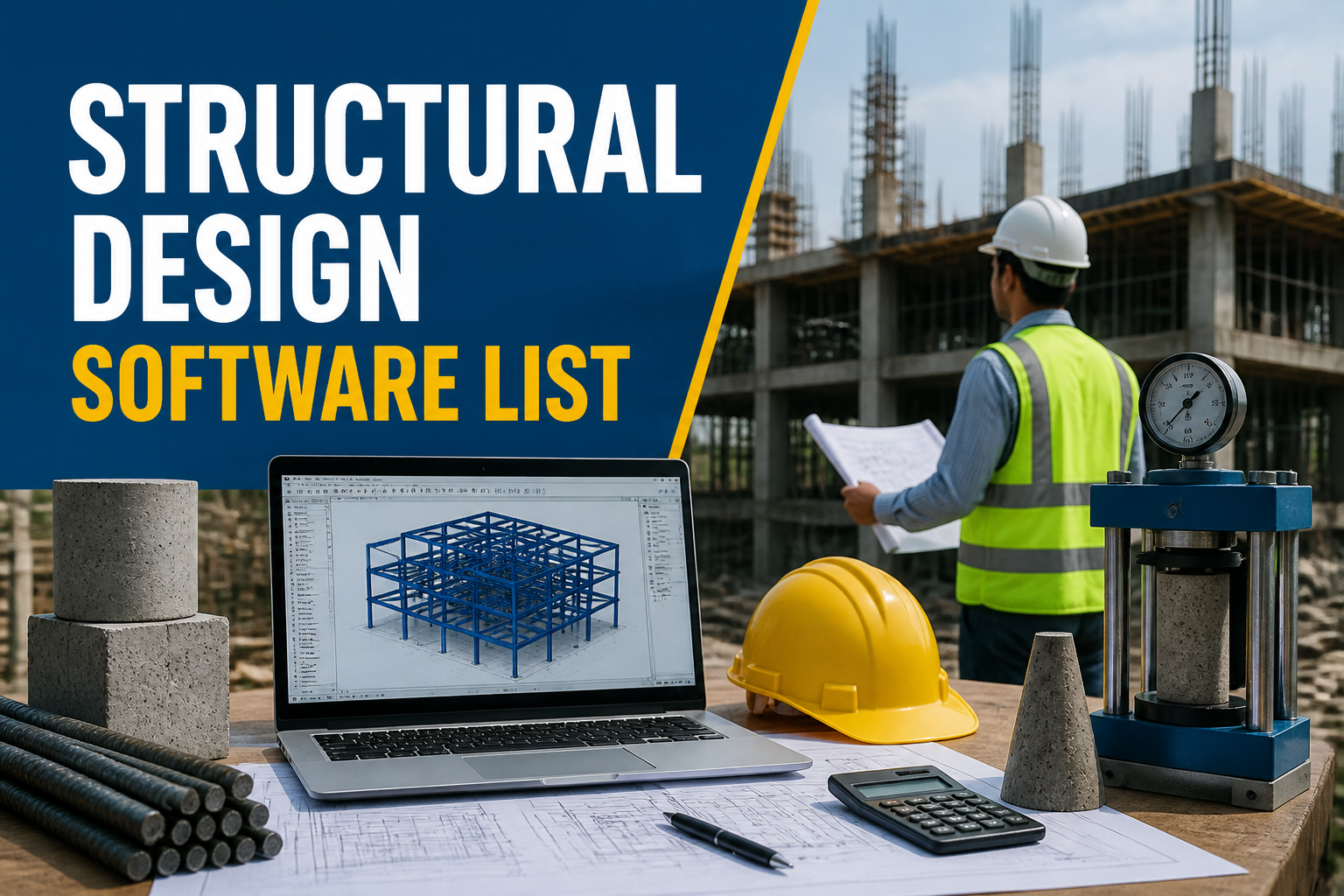
In the realm of civil engineering, structural design software plays a pivotal role in streamlining the design and analysis of various structures. This software includes tools that aid in the creation of efficient, safe, and cost-effective designs. With a myriad of options available, understanding a structural design software list is essential for professionals aiming to enhance their workflow and deliver top-notch projects.
This article delves into the features, uses, and selection criteria of structural design software, providing a comprehensive overview for civil engineering students, site engineers, contractors, and construction professionals.
Understanding Structural Design Software
A structural design software list refers to a compilation of tools specifically developed for analyzing and designing structures—ranging from bridges and buildings to towers and dams. These software solutions are tailored to ensure compliance with industry standards and simplify complex calculations.
Key Features of Structural Design Software
When selecting an appropriate tool from the structural design software list, it’s essential to consider various features:
- User-Friendly Interface: Intuitive interfaces enhance productivity and reduce the learning curve for new users.
- Robust Analysis Tools: Advanced analytical capabilities, including linear and nonlinear analysis, help assess the performance of structures under various loads.
- Design Codes Compliance: Adherence to national and international building codes ensures that designs meet the required safety standards.
- 3D Modeling: Visualization tools allow users to create detailed three-dimensional models, facilitating better understanding and communication with stakeholders.
- Integration Capabilities: Compatibility with other software solutions improves workflow by allowing seamless data exchange.
Popular Structural Design Software
Some frequently utilized tools in the structural design sector include:
- AutoCAD: Renowned for its drafting capabilities; often used for creating detailed structural plans.
- ETABS: Favored for analyzing and designing buildings, particularly high-rises, due to its sophisticated modeling tools.
- STAAD.Pro: Ideal for comprehensive structural analysis and design across various materials and standards.
- SAP2000: Versatile software known for its ability to handle both simple and complex structures.
- Revit: Building Information Modeling (BIM) software that provides collaborative tools for multidisciplinary design processes.
Selection Criteria for Structural Design Software
Choosing the right software involves evaluating several key factors:
1. Project Requirements
Different projects demand different tools. Assessing the specific requirements—such as load calculations, material specifications, and design standards—is crucial.
2. Budget Constraints
Evaluate software costs against available budget. Some software may have ongoing subscription fees, while others might require a one-time license purchase.
3. Technical Support and Training
Reliable customer support and comprehensive training resources can improve efficiency in utilizing the software.
4. User Feedback and Reviews
Investigating third-party reviews, testimonials, and user experiences can provide valuable insights into the reliability and usability of software.
Applications of Structural Design Software
Structural design software finds utility across various applications, including:
- Structural Analysis: Performing stress, strain, and stability assessments under different load scenarios.
- Design Optimization: Increasing efficiency in material use while ensuring safety and sustainability.
- Collaboration: Facilitating coordination between various engineering disciplines in multidisciplinary projects.
- Regulatory Compliance: Automating compliance checks with local, national, and international building codes.
Common Challenges and Mistakes
Professionals may encounter various pitfalls when using structural design software:
- Inadequate Training: Poor understanding of the software can lead to incorrect analyses and designs.
- Ignoring Code Compliance: Failing to adhere to the latest codes can cause legal issues and safety concerns.
- Over-Reliance on Software: Users must supplement software outputs with sound engineering judgment for effective design solutions.
FAQs
What is the meaning of a structural design software list?
A structural design software list consists of tools used for designing and analyzing structural systems to ensure safety and project compliance.
What are the procedures involved in using structural design software?
The typical procedure involves defining the system, applying loads, performing analyses, reviewing outcomes, and finalizing designs based on results.
What types of equipment are used in conjunction with structural design software?
Tools like surveying equipment, 3D scanners, and GIS platforms are often integrated with design software for better accuracy and data input.
Are there specific formulas used in structural design software?
Yes, various calculations, including load resistance factors and material properties, form the basis for analyses within the software.
What are the typical applications of structural design software?
Applications range from conventional structural analysis to advanced simulation, design of complex structures, and ensuring regulatory compliance.
In conclusion, understanding the structural design software list, along with its essential features and selection criteria, can significantly enhance a civil engineering professional’s ability to create robust and compliant designs. Choosing the right tool based on project needs, budget, and user feedback will ultimately lead to successful project outcomes.