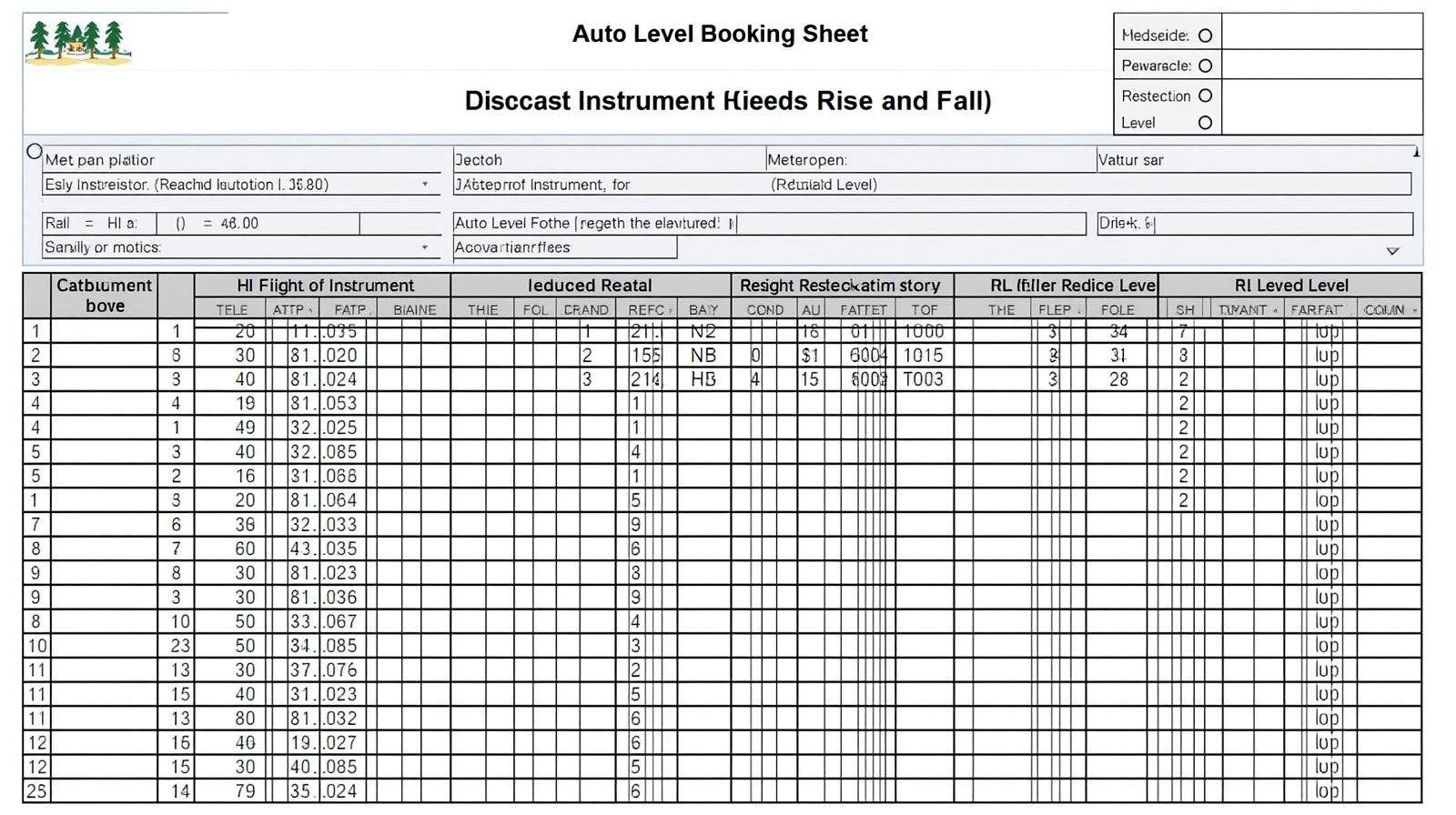
This Auto Level Booking Sheet Sample shows how to record HI and RL with a clear field booking format. In this article you will see a simple sample example and a numerical demonstration using the rise and fall method. The focus is on easy steps you can use in real field booking.
Overview of Auto Level Booking
Auto level booking is the way surveyors record readings from an auto level to find heights. The booking sheet helps keep numbers clear. Auto level booking sheet sample with numerical – HI RL calculation rise fall method field example complete format is shown below for quick learning.
What is an auto level booking sheet?
An auto level booking sheet is a table used in the field to record staff readings. It shows backsight (BS), foresight (FS), height of instrument (HI), and reduced level (RL). It keeps the work tidy and easy to check.
Why use rise and fall method?
Rise and fall gives a clear check on errors. It records the change between consecutive readings. This method helps find mistakes fast and keeps RL values consistent.
Tools and Terms
Before you start, know your tools and the key terms. This short list helps prepare for accurate field booking.
Tools needed
- Auto level instrument
- Level staff
- Tripod and plumb
- Booking sheet and pen
Key terms
- BS — Backsight reading
- FS — Foresight reading
- HI — Height of instrument (RL + BS)
- RL — Reduced level (height above datum)
- Rise/Fall — Change between BS and FS
Auto Level Booking Sheet Format
Use a clear column layout for fast reading. The table below is a practical format for field booking.
Suggested columns
Keep columns short and labeled. Common columns are station, description, BS, FS, rise/fall, HI, and RL.
Sample booking sheet table
| Station | Description | BS | FS | Rise/Fall | HI | RL |
| BM | Benchmark | 1.350 | 101.350 | 100.000 | ||
| TP1 | Turning Point 1 (FS) | 0.625 | +0.725 (Rise) | 100.725 | ||
| TP1 | Turning Point 1 (BS) | 1.200 | 101.925 | 100.725 | ||
| TP2 | Turning Point 2 (FS) | 2.000 | -0.800 (Fall) | 99.925 | ||
| BM | Check Back to BM (FS) | 1.925 | 100.000 |
Numerical Example: HI and RL Calculation
Below is a step-by-step numerical example. It uses the rise and fall method and demonstrates field booking calculations. For some field notes people use the term HI RLauto level booking sheethi rl calculation to mean the same HI and RL calculations on the booking sheet.
Step 1 — Start from benchmark
Set benchmark (BM) RL = 100.000. Take a backsight on BM = 1.350. Compute HI = RL + BS = 100.000 + 1.350 = 101.350.
Step 2 — First foresight and rise
Take a foresight at TP1 = 0.625. Change = BS – FS = 1.350 – 0.625 = 0.725 (rise). So RL at TP1 = previous RL + 0.725 = 100.000 + 0.725 = 100.725.
Step 3 — Move instrument and continue
Set up near TP1 and take a backsight on TP1 = 1.200. HI = RL TP1 + BS = 100.725 + 1.200 = 101.925. Then take foresight at TP2 = 2.000. Change = 1.200 – 2.000 = -0.800 (fall). RL TP2 = 100.725 – 0.800 = 99.925.
Step 4 — Closing check
Take a final foresight on BM = 1.925. HI – FS = 101.925 – 1.925 = 100.000, matching the original BM. This confirms the booking is consistent.
Field Booking Tips
Good field habits make results reliable. These tips are practical and easy to follow.
Keep notes neat
- Write numbers clearly.
- Use one decimal or three decimals consistently.
- Mark turning points and setups.
Use checks
- Always close back to a known benchmark if possible.
- Compare HI and RL for obvious errors.
- Use rise and fall sums to verify totals.
Common Errors and How to Fix Them
Errors happen. Spot them early with simple checks. Re-measure if values do not close.
Misread staff
Double-check staff readings when values look odd. A small misread creates a wrong RL.
Wrong instrument height
If HI is wrong, all RLs will shift. Recompute HI and check with the benchmark.
Frequently Asked Questions
What is the focus of an Auto Level Booking Sheet Sample?
The focus is to record BS, FS, HI, and RL in a clear order so you can compute heights and check errors quickly.
How do I calculate HI and RL in the field?
HI = RL of reference + BS. Then RL of next point = HI – FS. In the rise and fall method, change = BS – FS and RL = previous RL + change.
What is the rise and fall method?
It records the rise or fall between consecutive staff readings. This gives a running check and helps find mistakes quickly.
Can I use this sheet for automatic levels only?
Yes. This booking format works for auto levels and other optical levels. The process and calculations stay the same.
Conclusion
This Auto Level Booking Sheet Sample and the HI RLauto level booking sheethi rl calculation example show an easy way to book field readings. Use the simple table and follow the rise and fall steps to get accurate RLs. Keep your notes tidy and check with the benchmark for reliable results.